
Category: WordPress
-

How to Migrate a Magento Commerce Website to WordPress and WooCommerce: A Step-by-Step Guide
If your Magento Commerce website has become expensive to maintain, difficult to customize, or more complex than your business needs, you’re not alone. Many businesses are making the move to WordPress and WooCommerce to reduce costs, simplify website management, and gain greater flexibility for content marketing and SEO. A successful migration requires more than simply…
-

What Is the Industry Standard Website Scanner for WCAG Compliance?
If you’re trying to make your website accessible, one of the first questions you’ll probably ask is: “What’s the industry-standard scanner for WCAG compliance?” The short answer is: there isn’t just one. While several excellent accessibility scanners exist, no automated tool can certify that a website is fully compliant with the Web Content Accessibility Guidelines…
-

25 Free Website Testing Resources Every Web Developer Should Know
Modern web development extends far beyond writing functional code. Developers must ensure their websites are secure, accessible, fast, and compliant with modern search and usability standards. Fortunately, there are many powerful free tools available that help identify issues, validate markup, test accessibility, analyze performance, and improve overall site quality. Below is a curated list of…
-

How to Implement Schema Markup in a WordPress Theme
Schema markup is one of the most effective ways to help search engines understand your website’s content. When implemented correctly, it can improve visibility in search results, enable rich results, and provide stronger semantic context for your pages. This guide walks through the best way to implement schema markup in a WordPress theme, with practical…
-

How to add selectable font sizes in older WordPress block themes
For classic WordPress themes that do not use a theme.json file, the most effective way to add selectable font sizes to the editor is by using the functions.php file and a custom editor stylesheet or by using a plugin like Advanced Editor Tools. Method 1: Using Code (functions.php and CSS) This method involves adding custom…
-

A clean and efficient workflow for creating WordPress websites
Here’s a typical, real-world workflow for building a new WordPress website, showing how a designer/developer and a content team work together. 1. Discovery & Strategy (Everyone involved) Goals Key Activities Outputs Common failure: Design starts before content structure is agreed on. 2. Content Planning (Content Team leads) Goals Key Activities Outputs Developer involvement 3. Wireframes…
-

Missing emails? How to Fix Outlook 365 Email Delivery Issues with WP Mail SMTP
If your WordPress website has stopped sending email to Outlook 365 accounts, you’re not alone. Over the past year, Microsoft has tightened email security and authentication requirements, and many WordPress sites that relied on default email behavior have been affected. This guide outlines a clear, reliable process for configuring WordPress to send email through Outlook…
-

Overview of the Oxygen WordPress site building tool.
Oxygen Builder is generally well regarded among certain segments of the WordPress community, especially developers or designers who want more control and performance than many of the more “user-friendly” builders. Whether it’s easy to use depends a lot on your familiarity with web design, CSS/HTML, and your tolerance for learning new tools. Below are a…
-

5 ways to lessen the affect YouTube videos have on site performance scores
Embedded YouTube videos can slow down your page and hurt your Lighthouse performance score, especially in the Largest Contentful Paint (LCP) and Total Blocking Time (TBT) metrics. Here are some ways to improve it: 1. Lazy Load the YouTube Video (Best Option) Instead of embedding the YouTube iframe directly, replace it with a clickable thumbnail…
-

Important questions to consider when adding a Woo store to your WP site
Here’s a comprehensive list of questions to ask before setting up a WooCommerce store to ensure the project is aligned with their needs and expectations: 1. Business and Store Objectives 2. Products and Inventory 3. Design and Branding 4. Payment and Checkout 5. Shipping and Fulfillment 6. Taxes and Legal Compliance 7. Customer Accounts and…
-

What is Full Site Editing (FSE) in WordPress and Why is it Powerful?
WordPress has evolved over the years, and one of the most exciting developments in recent times is Full Site Editing (FSE). This feature, introduced with WordPress 5.8 and matured with subsequent releases, is a game-changer for both developers and non-developers alike. But what exactly is FSE, and why is it considered so powerful? What is…
-

How to automatically sort the order of a custom post type in the WordPress admin area
To automatically sort a custom post type by date in the WordPress admin, you can use the pre_get_posts action hook. Here’s a function that you can add to your theme’s functions.php file or a custom plugin: Explanation: This function will automatically sort the posts of the specified custom post type by date in the WordPress…
-

Managing WordPress notifications: understanding comments, trackbacks, and pingbacks
As a WordPress website administrator, staying on top of activity on your site is crucial for maintaining engagement and managing content effectively. One aspect of this involves handling notifications, particularly those related to comments, trackbacks, and pingbacks. In this guide, we’ll delve into what these notifications are, why they matter, and how you can control…
-
How to Transform your website into a progressive web app
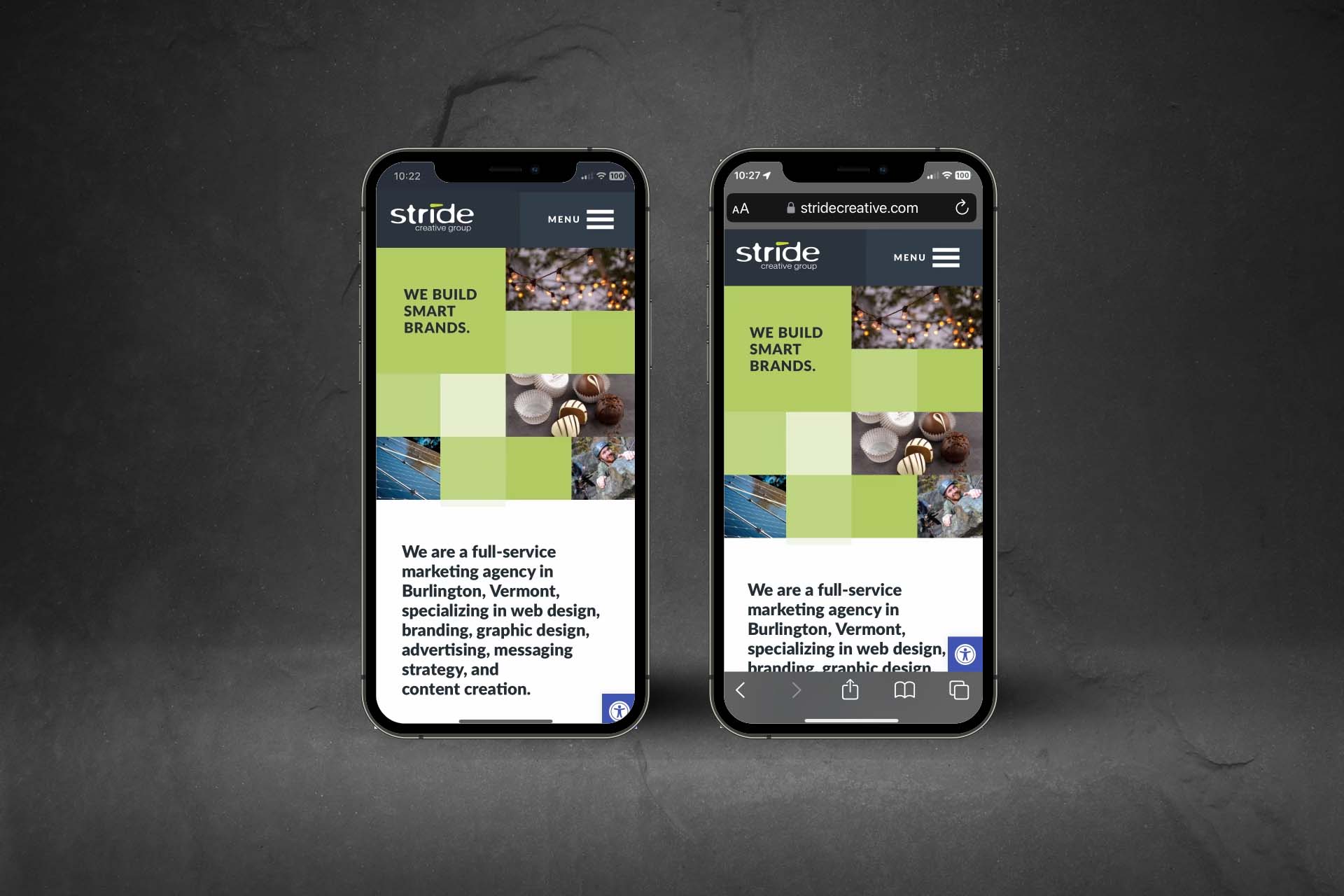
When Google Lighthouse identifies your site as a Progressive Web App (PWA), it means that your website meets certain criteria and best practices that make it behave and feel more like a native mobile application. PWAs offer a more seamless and app-like experience to users, including features such as offline access, push notifications, and home…
-
WordPress 6.4: A power-packed upgrade for improved user experience
In the ever-evolving landscape of content management systems, WordPress stands as a clear market leader, continually adapting to the needs of its vast user base. With the release of WordPress 6.4, the platform takes another leap forward, introducing features and improvements that improve the user experience. 1. Gutenberg 3.0 integration One of the most significant…
-

How to create a custom hook in a WordPress template
Creating a custom hook in a WordPress theme involves adding a function to your theme’s functions.php file. This function will serve as the custom hook. Here’s a simple example: In this example, we’ve created a custom hook called my_custom_hook. The function my_custom_hook contains the code that will be executed when the hook is triggered. By…